
Messenger and AI chats
Version 6.75.518Messenger contains Chats, Groups, People and Customer Service. The AI chat area has an inbox for notices, reports and routines.
Step-by-step guide →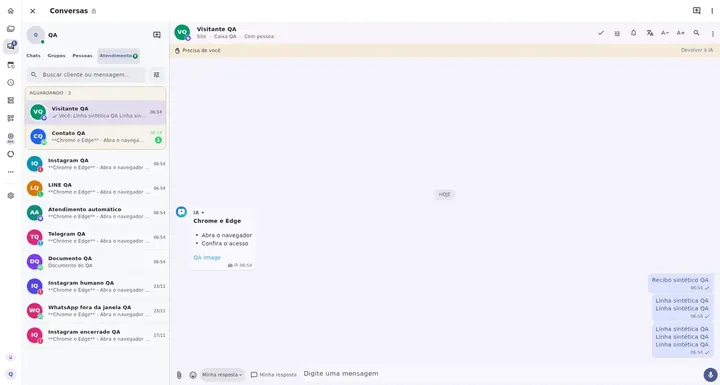
If your team wants to talk and use AI in the same place, Cortex was built for that: messenger, groups, agents and calendar in one app.
Platforms: Android, iPhone, Windows, macOS, Linux and the browser. Each channel gets each version at its own pace; the full list is in What's new.
Messenger contains Chats, Groups, People and Customer Service. The AI chat area has an inbox for notices, reports and routines.
Step-by-step guide →Gather conversations about the same subject into groups with a name, emoji and colour; every sidebar section opens and closes. Lock with a password what is only yours: the content leaves the list, search and notifications. Share a group read-only or to read and chat.
Step-by-step guide →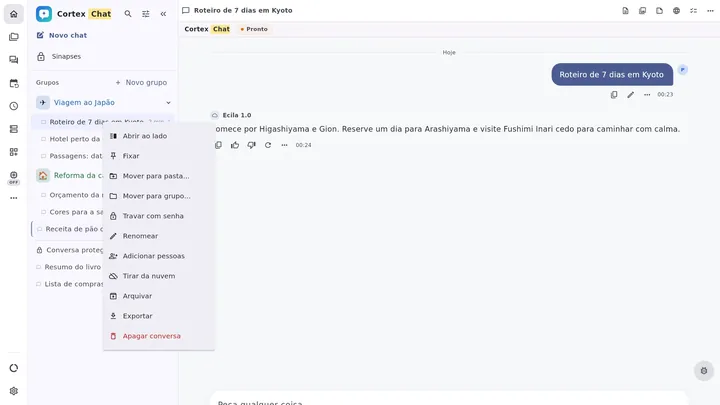
Use Ecila, included in the plan, your own API keys, your AI subscriptions (Plus, Pro and Max, on the computer) or open models running on your computer.
Step-by-step guide →Build agents on a board, start from 14 ready-made templates and see the agents already running on your machines connected over SSH. Turn them on and off with confirmation and Undo; when you copy an agent, passwords and keys are blocked.
Step-by-step guide →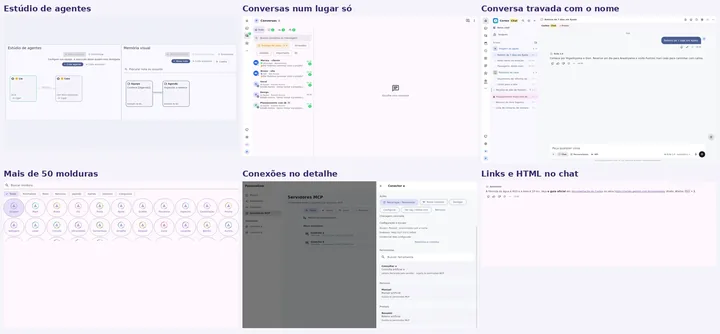
Day, week, month, list and year, with colour-coded events, meetings and to-dos next to your scheduled tasks. Drag to reschedule. Event invites arrive in the chat with Accept, Maybe and Decline.
Step-by-step guide →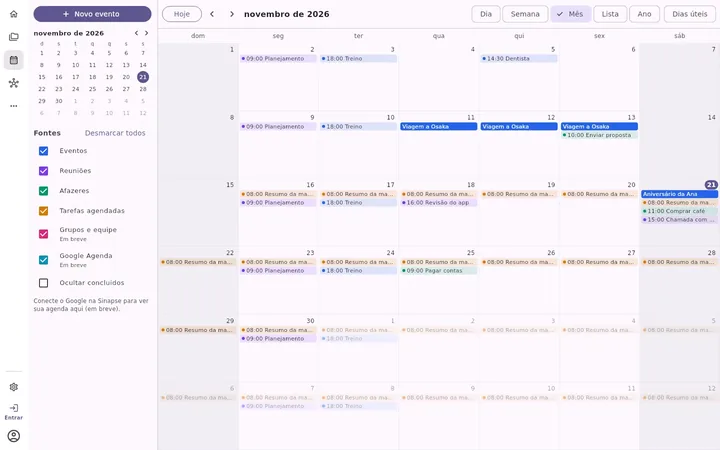
WhatsApp Business, Messenger, Instagram, LINE, Telegram and your website chat in one inbox, with an AI that suggests or answers only where you allow (Pro and Max plans).
Step-by-step guide →It depends on how you use it. Cortex covers chatting with people and groups, AI in the conversation, agents, a calendar and customer service. If you rely on specific Slack integrations, check whether Cortex has an equivalent before switching.
Yes, through the integrations available on your device. Each provider's limits, costs and terms still apply.
Yes, Cortex Free, with a daily usage limit.